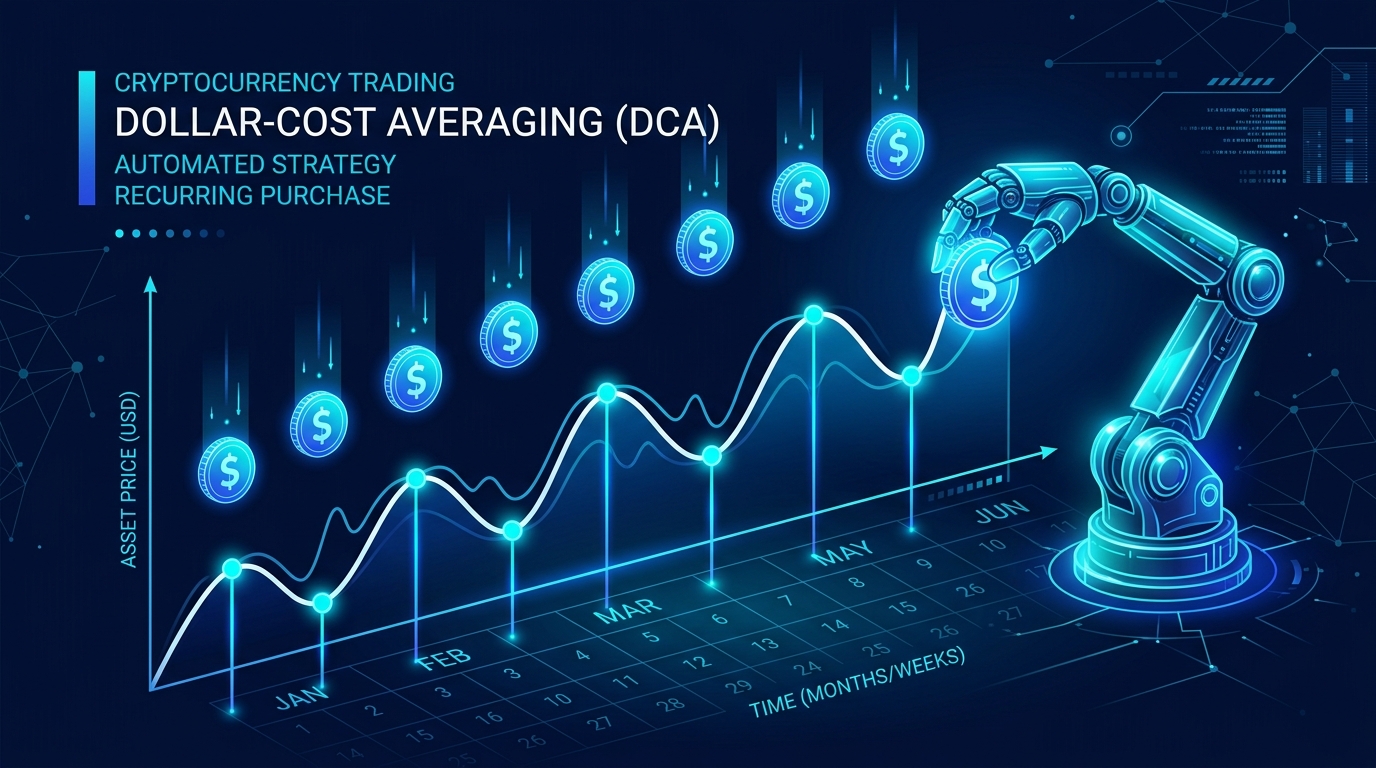
Dollar-cost averaging is one of the most widely recommended strategies for crypto investing — but doing it manually is tedious. Set a calendar reminder every Monday, log into your exchange, place the same order, repeat forever. A DCA bot handles all of that automatically.
Bitsgap's DCA bot lets you set it once and let it run. Here's how to get one live in five steps.
What Is Dollar-Cost Averaging?
DCA means buying a fixed dollar amount of an asset at regular intervals, regardless of price. Instead of trying to time the market perfectly, you spread purchases over time. When prices are high, you buy less. When prices are low, you buy more. Over time, your average cost per coin tends to be lower than if you'd gone all-in at one moment.
For long-term crypto holders in Canada and elsewhere, DCA is particularly appealing during volatile periods. It sidesteps the question of "is now the right time?" entirely.
Why Use a Bot Instead of Manual DCA?
Manual DCA works, but it relies on discipline. Miss a week because you're busy or forget when prices are scary — and you've broken the strategy at the worst possible moment. A bot executes on schedule without hesitation or emotion.
Automated DCA also lets you run the strategy across multiple assets simultaneously without logging in repeatedly.
Step 1 — Connect Your Exchange to Bitsgap
Bitsgap supports over 15 exchanges including Kraken, Binance, Coinbase Advanced, and Bybit. To connect:
- Create an account at Bitsgap and start a free trial. Affiliate link — we may earn a small commission at no extra cost to you.
- Go to My Exchanges in the dashboard.
- Select your exchange and follow the API key setup instructions.
- Generate a read + trade API key on your exchange (never withdrawal permissions).
- Paste the key and secret into Bitsgap and save.
Your exchange balance will appear in Bitsgap within a minute.
Step 2 — Navigate to the DCA Bot Section
From the main dashboard, click Bots in the left navigation, then select DCA Bot. You'll see any existing bots here and the option to create a new one.
Step 3 — Configure Your Bot
Click Create bot and fill in the key settings:
- Exchange — Select the connected exchange you want to trade on.
- Pair — Choose the trading pair, e.g., BTC/USDT or ETH/USDT.
- Base order — The amount to invest with each purchase (e.g., $50 USDT).
- Order frequency — How often to buy: every hour, daily, weekly, or a custom schedule.
- Take profit — Optionally set a target price at which the bot sells. Leave empty for indefinite accumulation.
For a simple long-term accumulation strategy, set your base order, pick a weekly frequency, and skip the take-profit to just accumulate over time.
Step 4 — Review and Launch
Bitsgap shows a summary before you launch: estimated buys per month, total capital committed, and the schedule. Double-check that your exchange balance covers at least a few orders. Click Create bot to go live.
The bot will place the first order immediately, then follow the schedule you set.
Step 5 — Monitor Performance
The bot dashboard shows every order placed, your average buy price, total invested, and current profit or loss. You don't need to watch it constantly — check in weekly or monthly. If the asset hits your take-profit target (if set), the bot sells and stops automatically.
To pause, edit, or stop the bot, click into it from the dashboard. All funds stay in your exchange account at all times — Bitsgap never holds your assets.
Tips for Better DCA Results
- Smaller, more frequent orders smooth out volatility better than large, infrequent ones.
- Stick to liquid pairs — BTC, ETH, and major altcoins on large exchanges.
- Don't watch the bot daily — checking price every day defeats the psychological benefit of automated DCA.
- Set realistic take-profit targets — or skip them entirely if you're accumulating for the long term.
DCA bots don't require you to predict market direction. They're a way to participate in long-term crypto growth without betting everything on a single entry point.
Try Bitsgap's bot trading platform free for 7 days — Try Bitsgap's bot trading platform → Affiliate link — we may earn a small commission at no extra cost to you.